PDF Page Organizer
iOS 17+Merge, split, reorder, rotate, and crop PDF pages.
PDF Page Organizer helps you put PDF pages in the order you actually want. Use a visual thumbnail grid to merge several PDFs, drag to reorder pages, batch rotate, delete, duplicate, crop, split, or extract pages into a new PDF. Page editing is free at any length. Free includes three watermark-free exports of one source PDF up to 10 pages; Pro unlocks any-length exports, multi-PDF merged exports, splitting into separate files, and unlimited exports. PDF processing stays on your device and is never uploaded to a developer server. No account, no ads, and no data collection.
Features
Every feature, carefully crafted
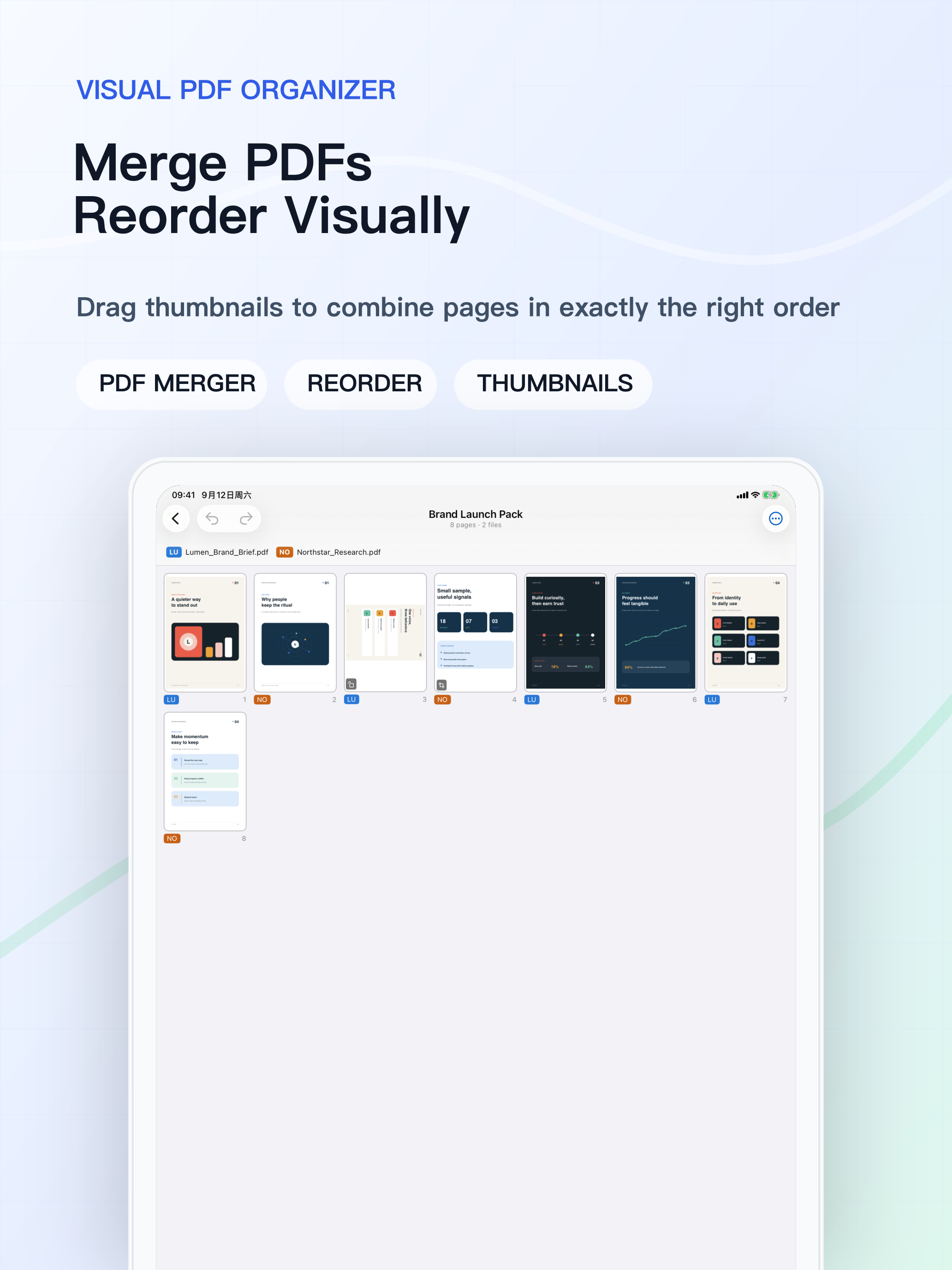
Visual Merge and Reorder
See the whole document in a thumbnail grid and drag pages into exactly the right order across multiple PDFs.
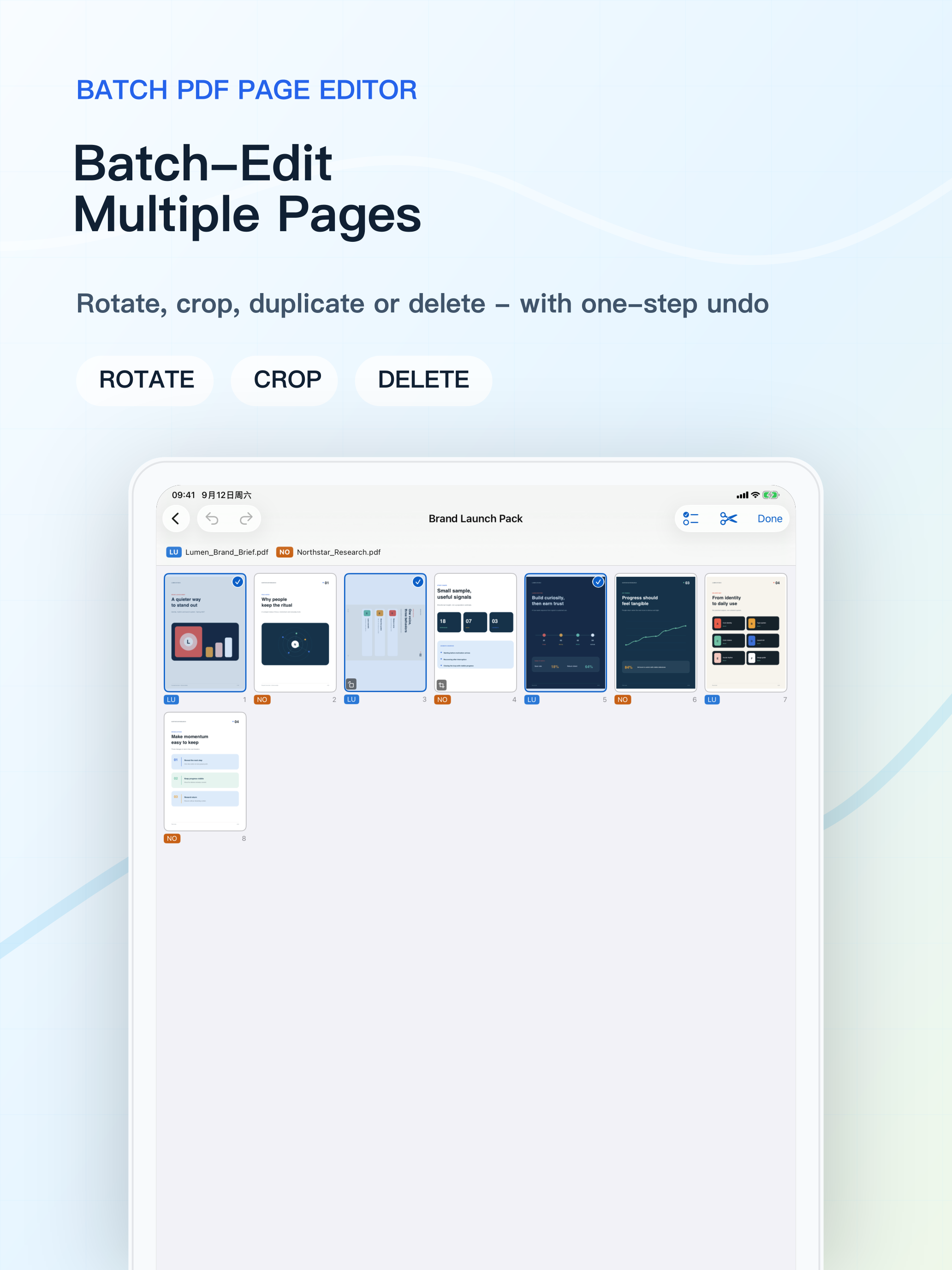
Batch Page Editing
Select multiple pages and rotate, delete, duplicate, or crop them as one undoable action while originals stay untouched.
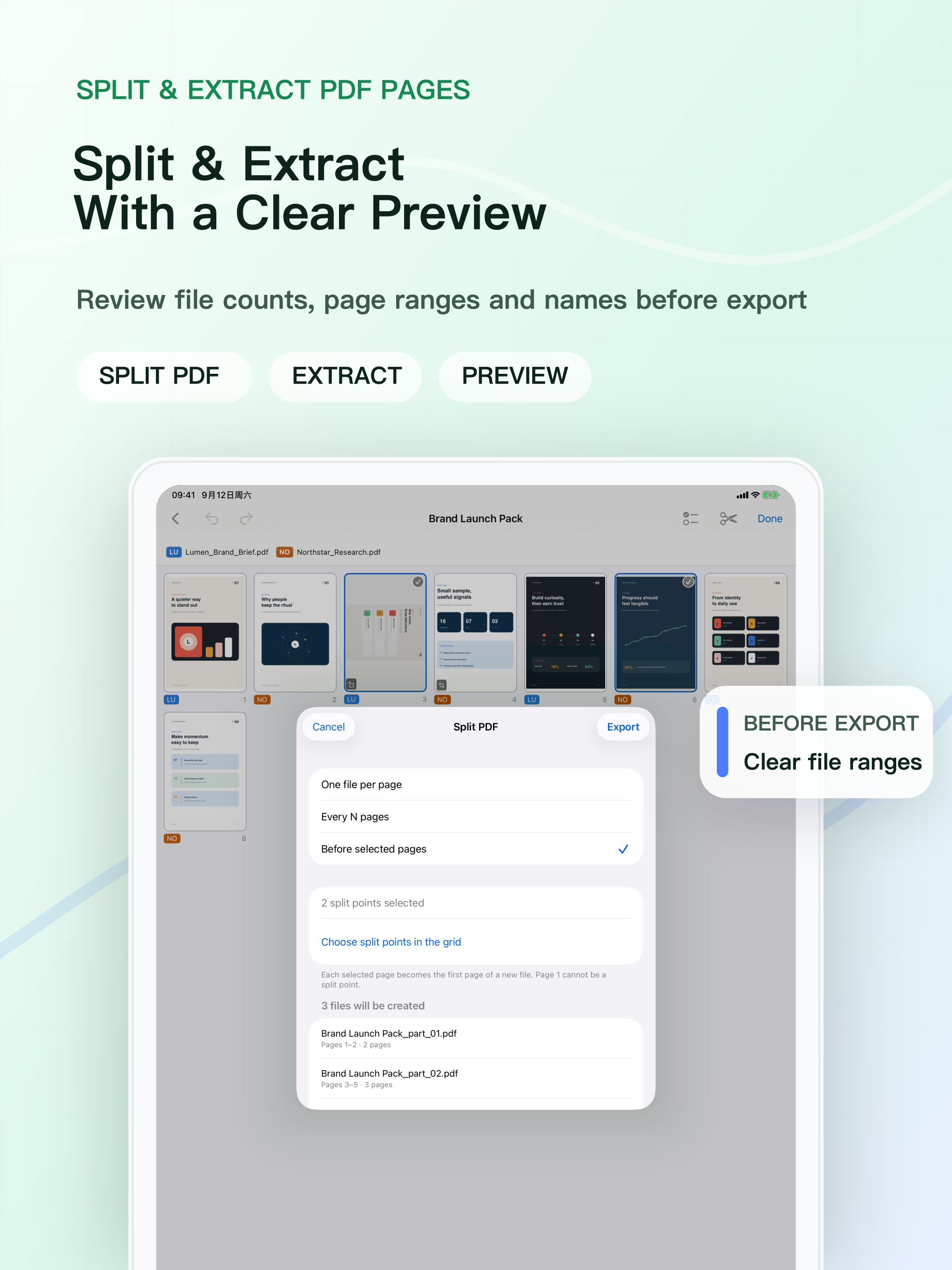
Preview Split and Extract
Split by page, every N pages, or selected positions, then review file counts, page ranges, and names before export.
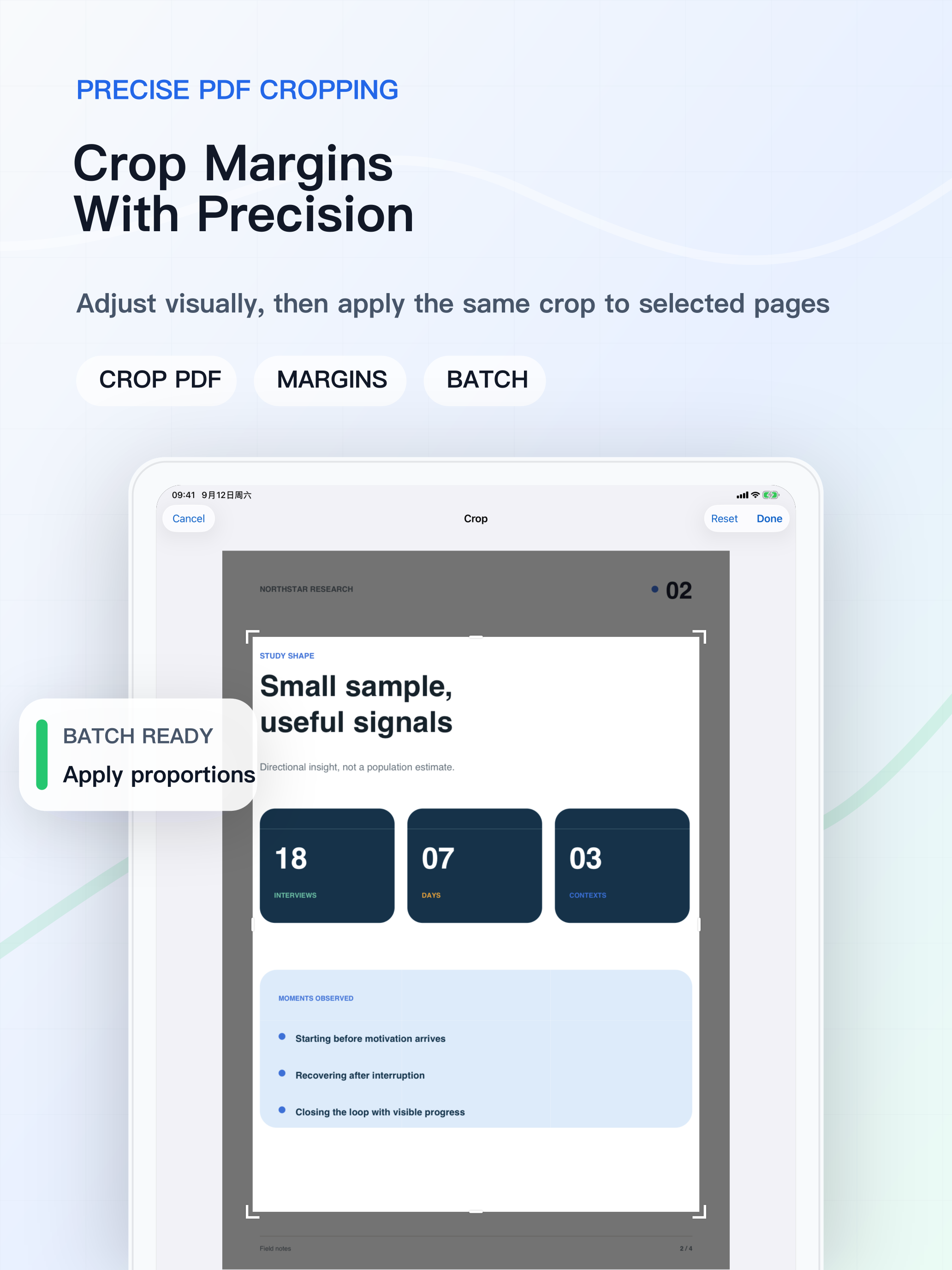
Precise PDF Cropping
Adjust margins visually with a crop frame and apply the same proportions to selected pages.
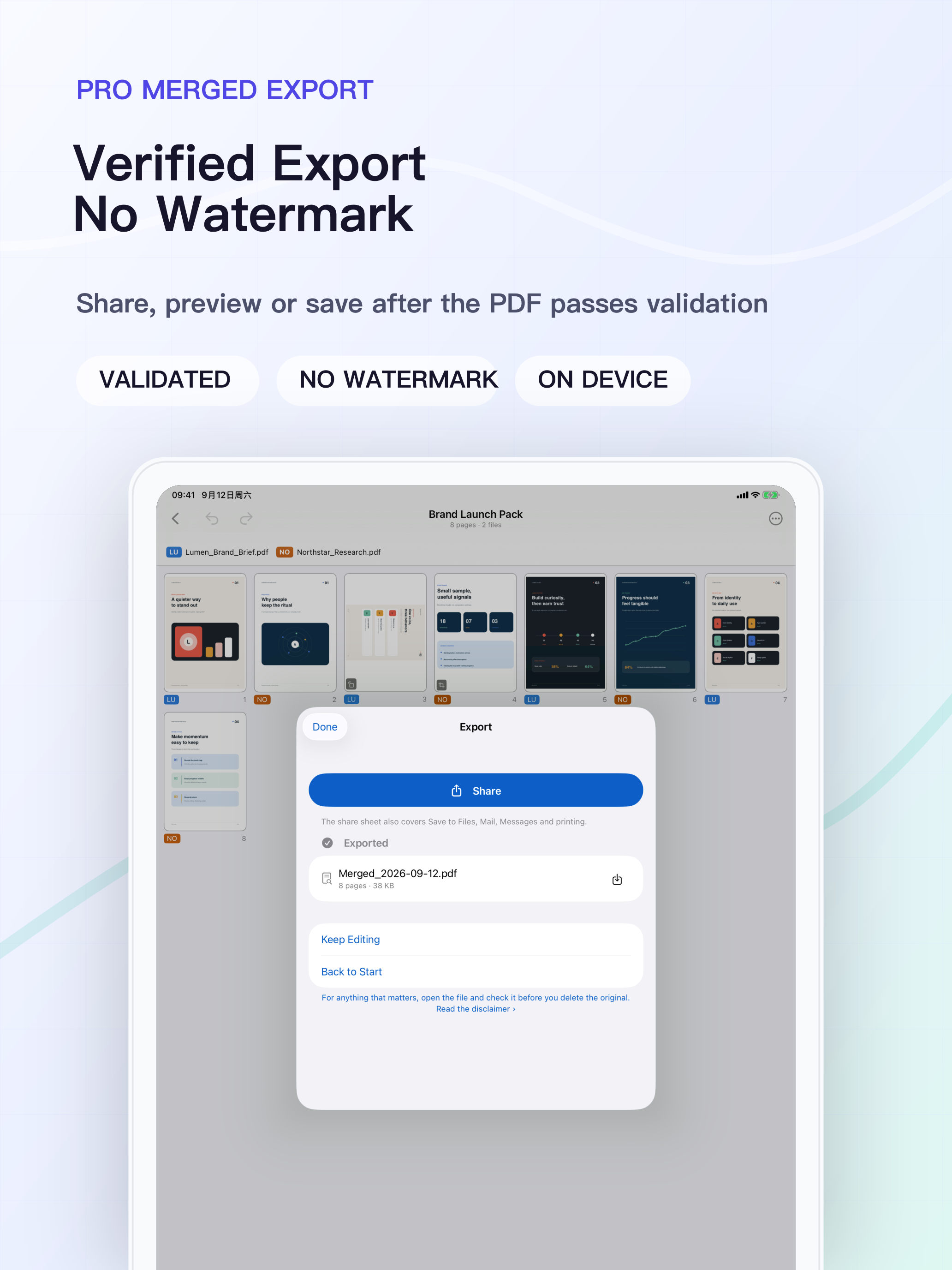
Verified Before Export
Exported PDFs are reopened and checked page by page before success is reported. No watermark is added.
On-Device and Private
Opening, editing, and exporting happen on device. No account, no ads, no analytics SDK, and no data collection.
Screenshots
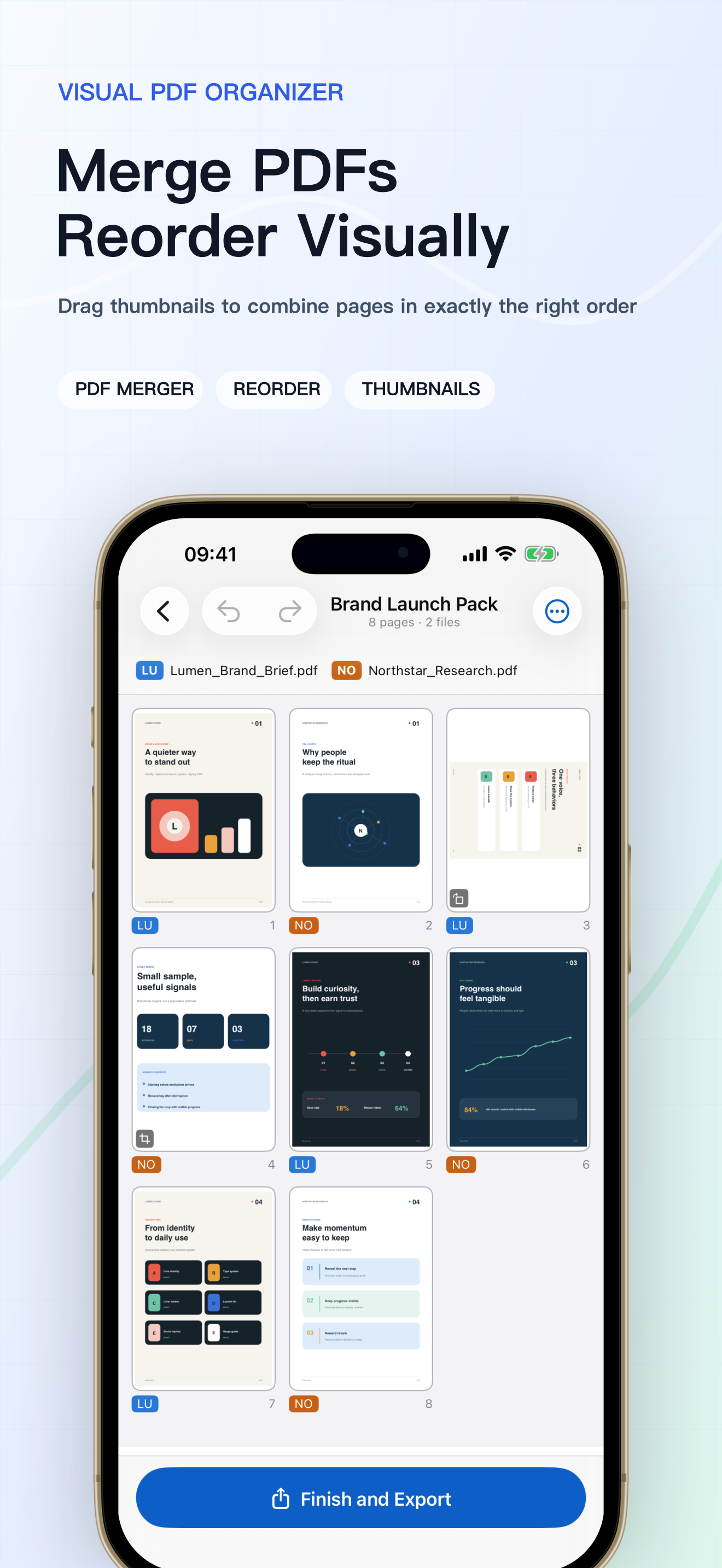 Merge PDFs and reorder visually
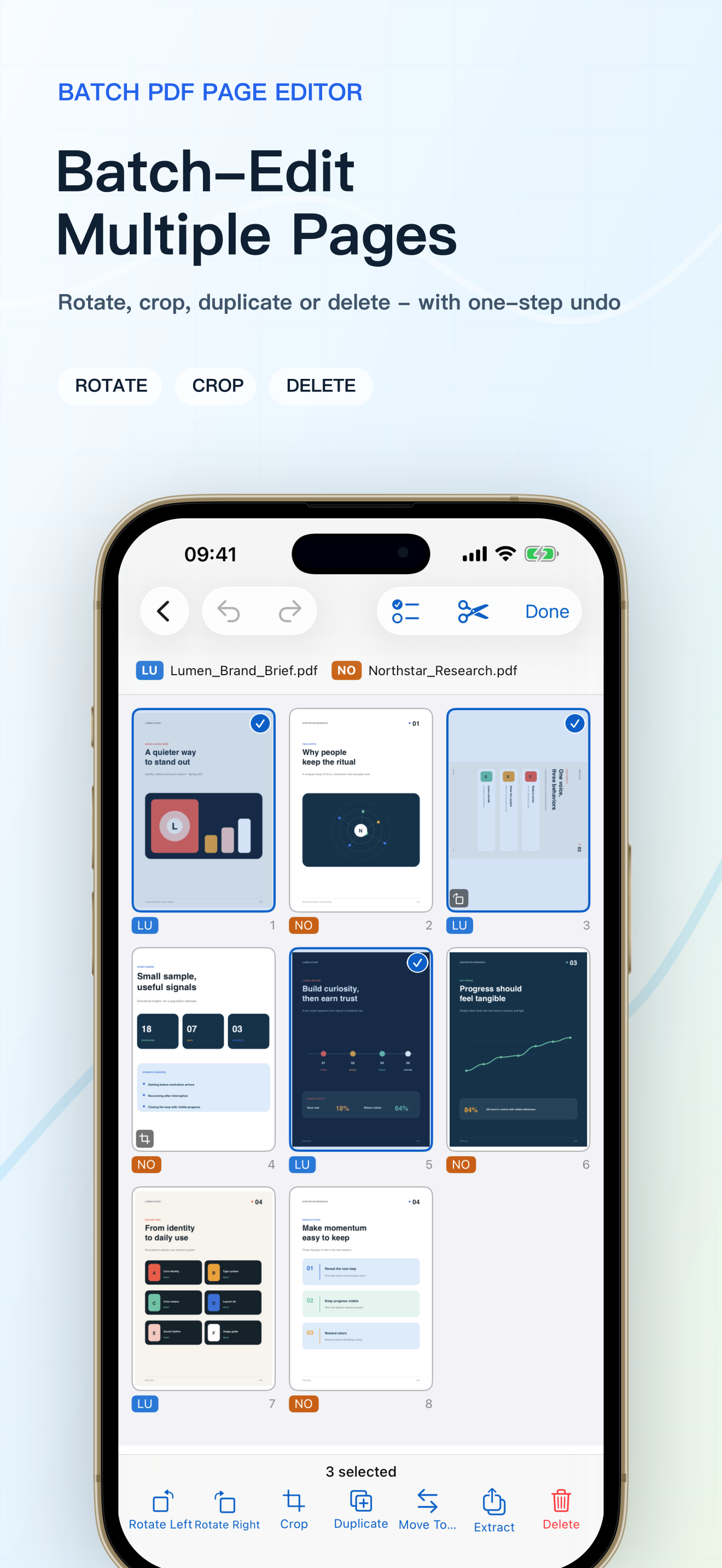 Batch rotate, crop, and delete pages
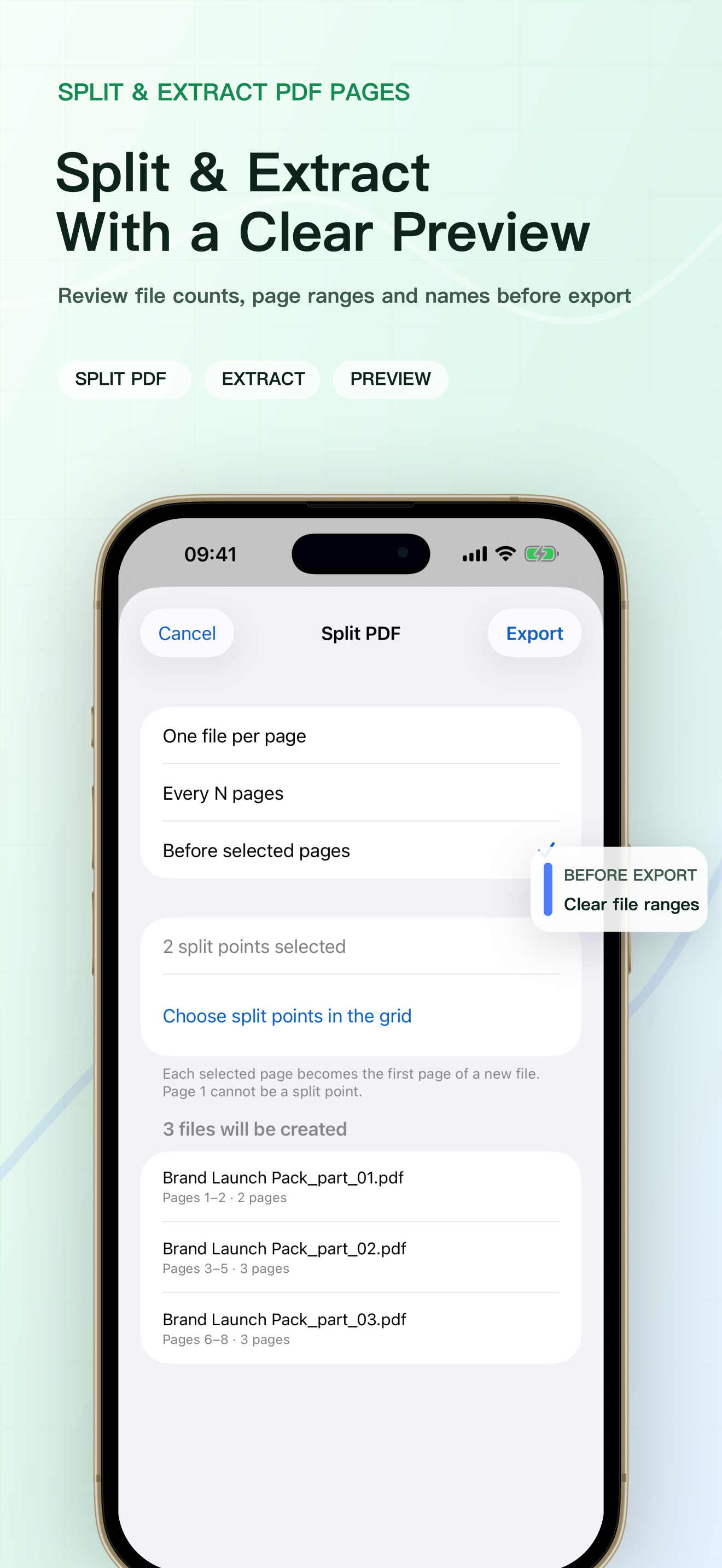 Preview split and extraction before export
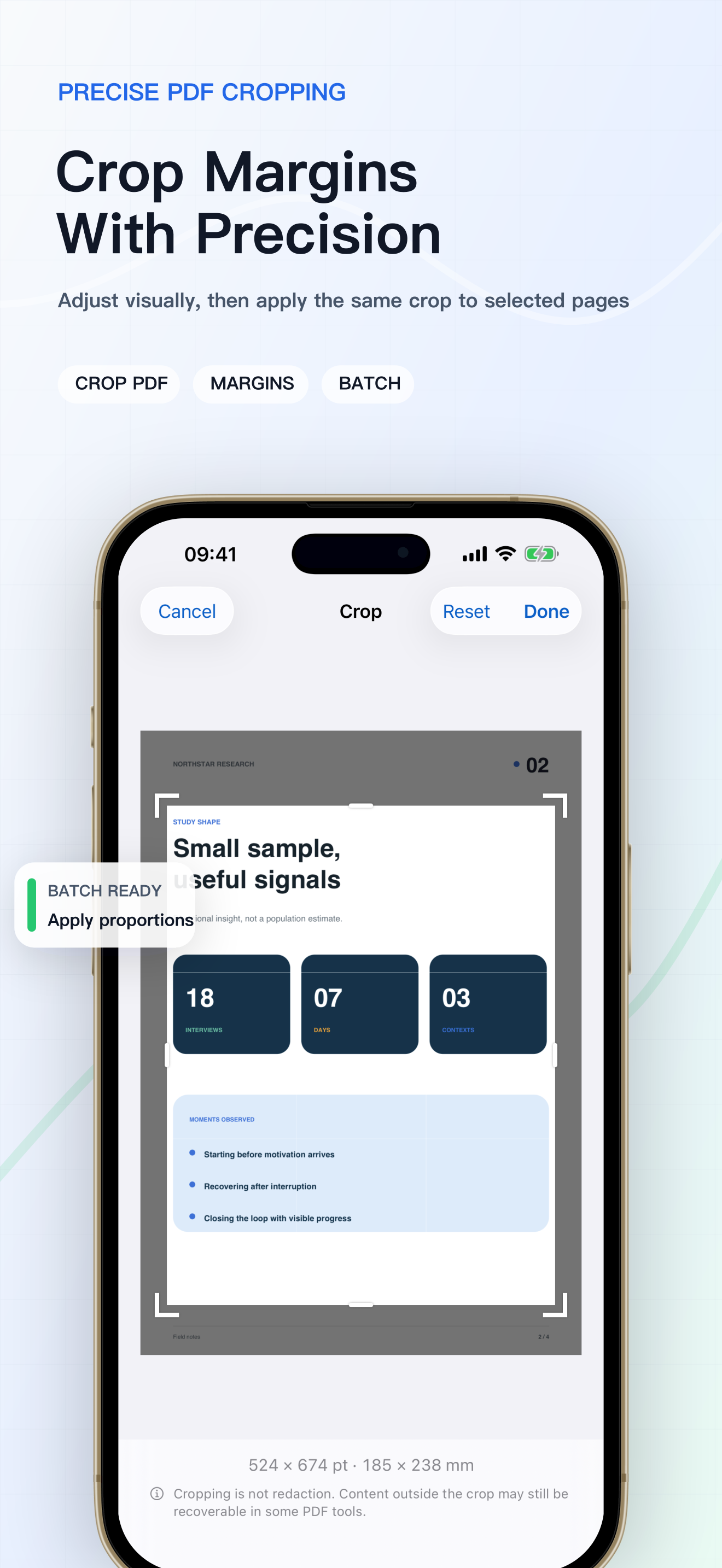 Crop margins with precision
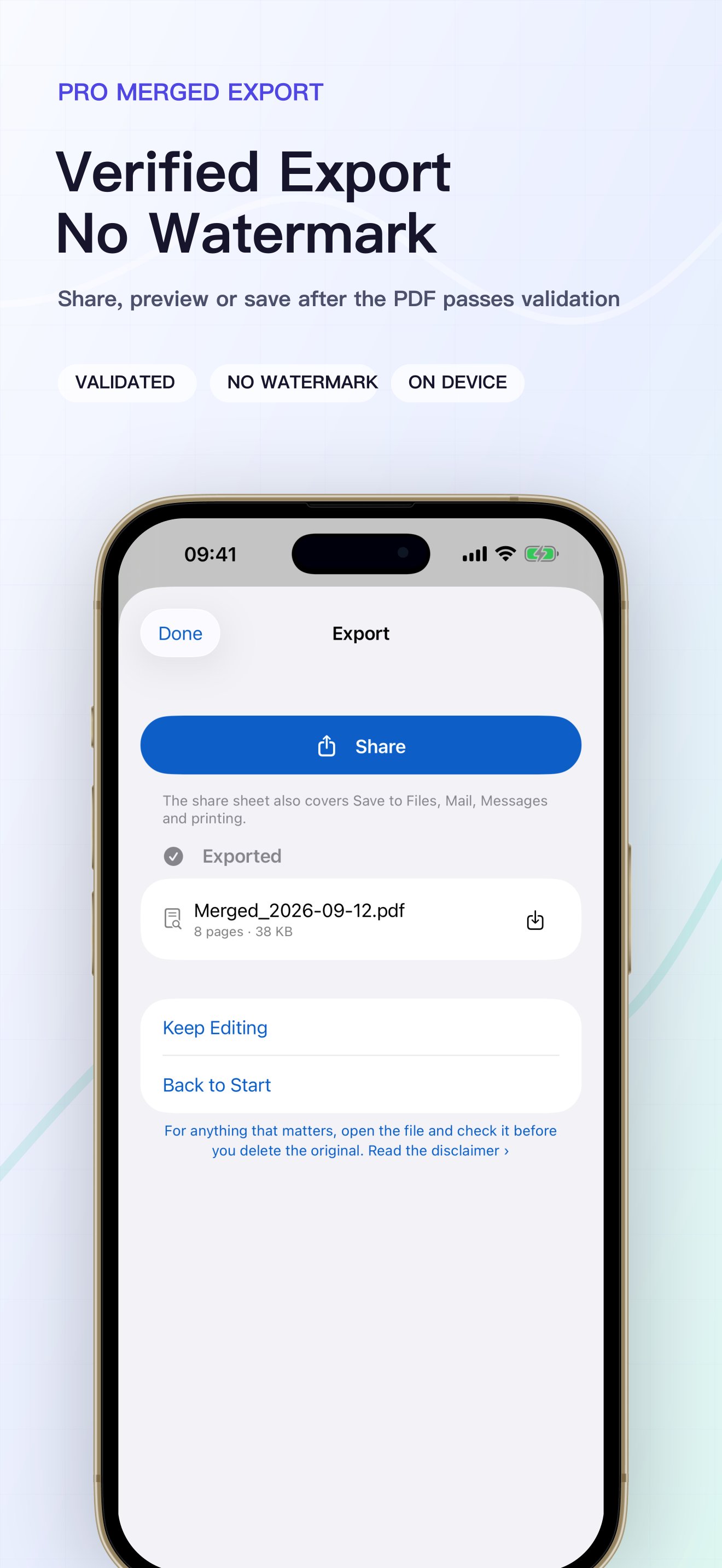 Verified export with no watermark